Best Business Security System Company in
Lufkin, TX
Professional Security Built for Lufkin Businesses
From Highway 59 retail to Loop 287 business parks and industrial yards, Lufkin companies need security that prevents loss, documents incidents, and supports daily operations.
Militia Protection designs commercial systems that combine surveillance, access control, and intrusion layers into one solution your team can actually use. We start with your facility, map coverage where risk is highest, and size retention so footage stays usable when you need it most.

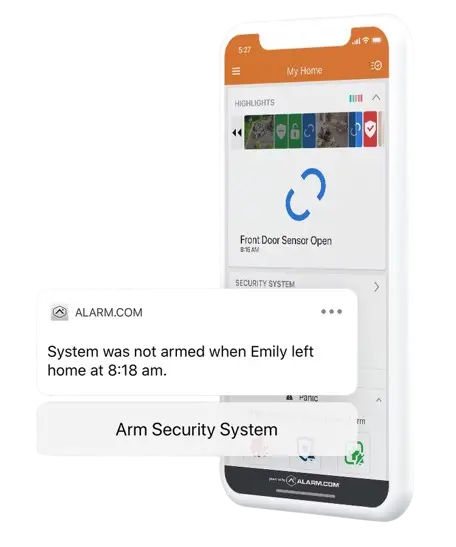
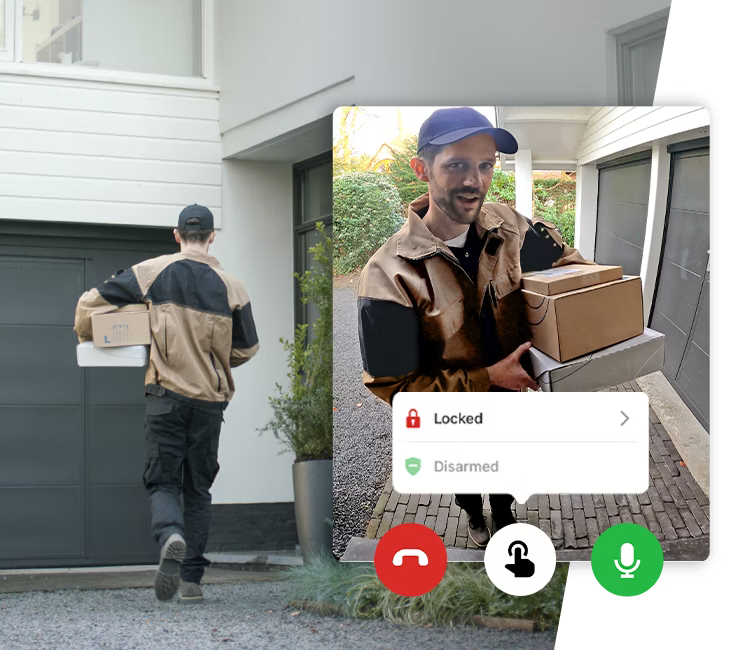
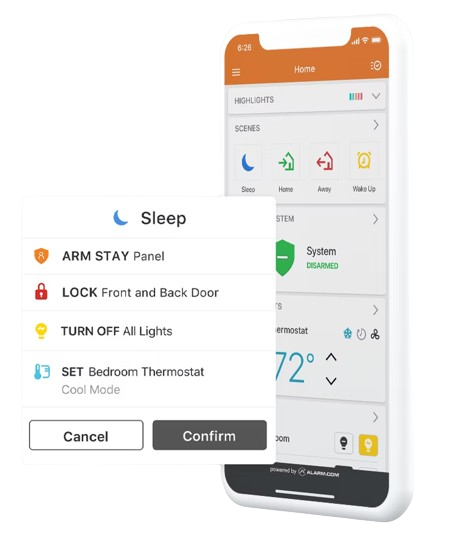
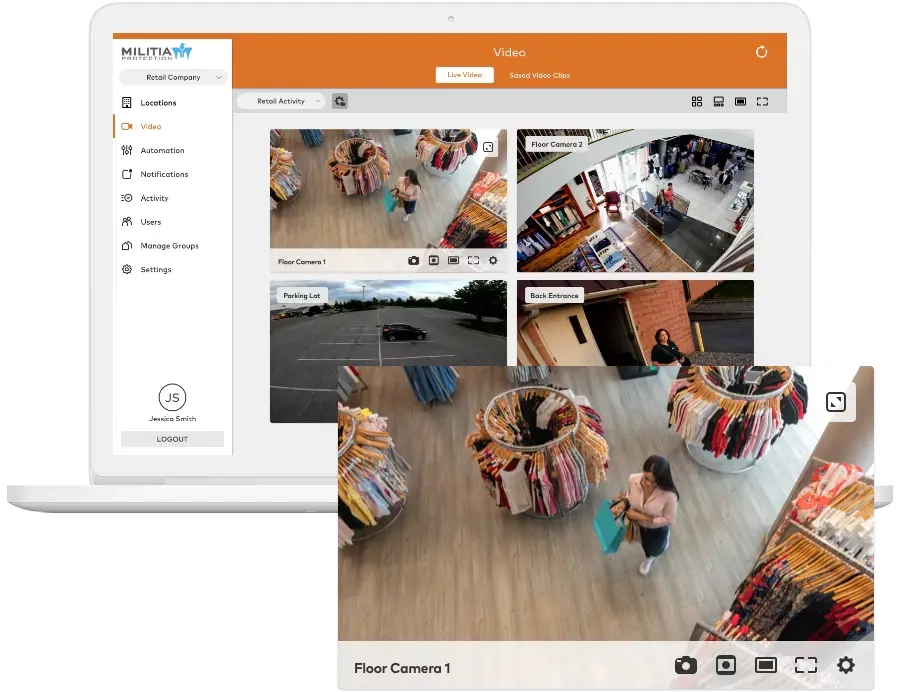
AN ARMY OF PROTECTION ON YOUR SIDE
Militia Protection vs Other Commercial Security Options
This comparison focuses on confirmable, provider‑agnostic elements that commercial buyers evaluate in East Texas. It highlights how a purpose‑built commercial system differs from packaged kits or generalized cabling projects.
| Comparison Factor | Militia Protection (MP) | Typical National Chains | Typical Low-Cost/DIY | Typical IT/AV Generalists |
|---|---|---|---|---|
| Design Approach | Site-specific commercial system design with coverage planning | Package bundles; limited pre-design | Preconfigured kits; no on-site design | Custom cabling; security design depth varies |
| Camera Hardware | Commercial-grade IP cameras; outdoor/weather-rated and vandal-resistant options available | Mixed grade; proprietary ecosystems are common | Consumer-grade equipment | Varies by project budget; multi-vendor |
| Video Analytics | Supports business-class analytics (smart motion, line crossing, loitering, LPR where scoped) | Motion-only common; advanced analytics limited | Motion-only | Limited analytics configuration |
| Storage & Retention | NVR/server or cloud architectures; retention sized to business needs | One-size NVR; quality lowered to extend days | Small NVR; short retention typical | Project-dependent; retention varies |
| Access Control | Commercial access control (cards/fobs/mobile), role-based permissions, audit logs | Basic keypad or single-credential systems | Keypad or none | Varies; access expertise is inconsistent |
| Integration | Supports scoped integrations (POS/HR/alarm) | Siloed/proprietary; limited cross-integration | Closed ecosystems | Partial integrations; case-by-case |
| Installation Standards | Commercial installation with labeled terminations and weatherproofing | Subcontractor variability | DIY or basic setup | Good cabling; security standards vary |
| Training & Handoff | Admin/user training and operational handoff included | Basic online tutorials | None / formal training uncommon | User guides; training varies |
| Documentation | Project documentation (device list/locations) provided | Minimal documentation | Generic instructions | Device lists; depth varies |
Why Lufkin Businesses Need Professional Security
Professional security reduces theft and shrink, documents liability incidents with clear video, helps insurers process claims, and supports day‑to‑day oversight without driving to every site. In Lufkin, that often means long entries where events start, big lots with variable lighting, mixed retail/office/warehouse space, and the need to scale coverage as you grow.
Understand the System Layers
Commercial protection works best when layers reinforce each other, and alerts go to the right people at the right time.
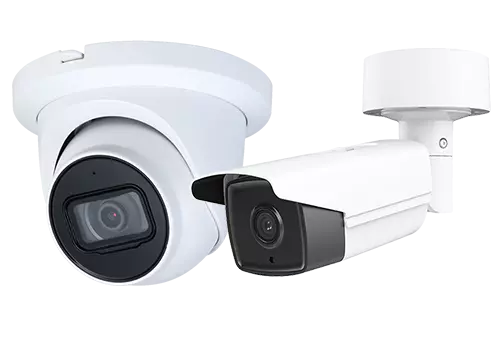
- Surveillance: Commercial‑grade IP cameras with appropriate resolution, low‑light performance, and analytics tuned to reduce noise.
- Access Control: Credentials (cards, fobs, mobile) aligned to roles/schedules; audit trails for investigations and compliance.
- Intrusion/Alarms: Perimeter and interior sensors with escalation that fits your staffing model.
Explore access control options: Business Access Control

The Best Equipment for True Business Security
Commercial Security Process ( At-a-Glance )
Assessment
- Walkthrough + risk map
- Coverage & retention plan
Design
- Camera/door layouts
- Network & integration plan
Installation
- After-hours options
- Acceptance testing + as-builts
Training
- Admin & user sessions
- Quick guides + handbooks
Support
- Health checks + updates
- Scale to new sites
Step 1: Security Assessment
We start on-site, mapping risks and required coverage zones so the design fits your facility, not a kit.
- Facility Walk-Through: Entrances/exits, cash/POI, loading docks, storage, server/records, privacy-sensitive areas.
- Coverage Planning: Lenses/FoV for identification at entries; night-time performance considerations.
- Retention Profile: Storage sized for usable quality (resolution/fps/bitrate) for actual required days.
Deliverables include a conceptual coverage map and a line-item outline so scope and TCO are clear.
Step 2: Custom System Design
Camera Plan
What we document: Placements, FoV targets, lens types, low-light/WDR needs
Why it matters: Gets the angles right so footage is usable when it counts
Storage & Retention
What we document: Days at target quality and motion rules; local/cloud/hybrid
Why it matters: Ensures evidence isn’t lost to undersized storage
Network Readiness
What we document: IP plan, VLAN/QoS guidance, PoE power budget
Why it matters: Prevents bottlenecks and remote-access issues
Access Zones
What we document: Doors, credentials, schedules, and audit settings
Why it matters: Aligns who/when/where to real operations
Integrations
What we document: POS/HR/alarm touchpoints, triggers, outputs
Why it matters: Reduces admin overhead and speeds response
Step 3: Professional Installation
We schedule around your operations with after-hours availability. Commercial-grade standards apply:
- Weather-sealed exterior runs
- Labeled terminations & clean routing
- Phased cutovers so operations continue uninterrupted
- Acceptance testing + documented as-builts
Step 4: Training and Handoff
Security only works when your team understands it. We provide:
- Admin training (configuration, retention, exporting)
- Staff onboarding for daily tasks
- Quick reference guides to avoid turnover issues
- A clear escalation path after go-live
Ongoing Support and Maintenance
We help you keep the system healthy and current with scheduled checks, firmware/software updates planned during low‑impact windows, and practical support when you need to retrieve footage or adjust rules. As you grow, you can add cameras, doors, or locations without forklift upgrades.
The Best Equipment for True Business Security
Security by Business Type
| Business Type | Priority Coverage | Access Control Focus | Useful Analytics / Integrations | Why It Matters |
|---|---|---|---|---|
| Retail & Restaurants | Entrances (face capture), POS/cash wraps, high-value displays, stockrooms, receiving, parking | Role-based access for stockrooms/cash offices; vendor windows | POS correlation, line crossing near exits, loitering, people counting | Reduces shrink/shrinkage Verifies transactions Documents disputes Protects customers and staff |
| Offices & Professional Suites | Lobby/reception, corridors, copy/mail rooms, server closets, parking | Tenant/role-based permissions; visitor credentials; after-hours rules | Motion alerts after-hours, audit logs for restricted areas | Controls entry and protects assets Supports liability defense |
| Warehouses & Distribution | Perimeter/fence lines, yard & docks, inventory aisles, forklift lanes | Door schedules for docks & cages; vendor & shift rules | LPR at gates, line crossing at perimeter, loitering in inventory zones | Secures inventory Verifies shipments Deters yard intrusions |
| Healthcare & Medical Offices | Entrances, hallways, medication storage, parking (privacy masking in clinical areas) | Controlled substances & records; dual-auth as needed | Audit logs, motion after-hours in restricted rooms | Supports HIPAA-aligned practices Protects patients and staff |
| Manufacturing & Industrial | Production floor safety views, tool cribs, shipping/receiving, yard | Zone-based access for equipment/tool rooms | Line crossing at equipment zones, dwell time in restricted areas | Documents incidents Discourages theft Supports safety programs |
| Automotive Dealerships | Lots/showrooms, parts department, service drives, customer areas | Service bay & parts access; after-hours lot control | LPR at entries, loitering on lots, motion after-hours | Protects high-value inventory Resolves customer claims |
Lufkin Areas We Serve
Downtown Lufkin; Highway 59 and Loop 287 corridors; business parks; medical districts; and nearby communities, including:
CAMERA & ALARM INSTALLATION
Get Started With a Commercial Security Assessment
Every site is different. The first step is a walk‑through and a practical plan. We’ll map coverage, align access control to your workflows, and size retention so footage is usable when you need it. You’ll get a clear scope, line‑item budget, and an install plan designed to minimize disruption.